 OnlyCars
Vehicle photography
Great vehicle videos start with the photos
Image selection, sequence and framing: prepare your vehicle photos for a clear, coherent video.
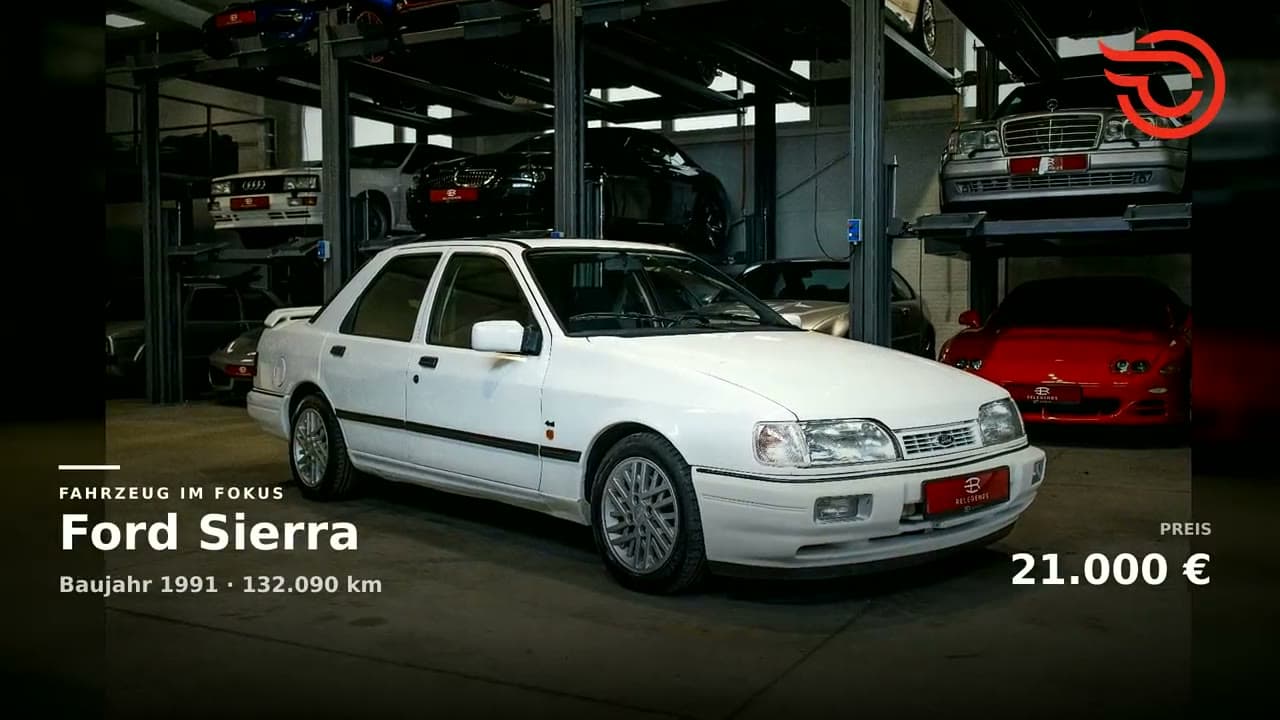
One vehicle, a clear selection
Use the same carefully selected photos for your listings on mobile.de and AutoScout24. Consistent vehicle views and current photos make it easier for buyers to compare the listing and video.
A vehicle video does not need to repeat every photo from the listing. Start with a focused selection: a strong exterior view, front and side, rear, cockpit and selected details. Each image should reveal something the previous images did not show clearly.
Inspect the photos at full size before uploading. Animation cannot fix blurry shots, strong reflections or cropped vehicle parts. Use current photos of the actual vehicle you are offering.
The cover sets the scene
Choose an opening image that shows the complete vehicle clearly. An angled exterior view can show the front and side together. Keep the background from distracting from the vehicle.
Follow a logical sequence: start outside, move into the cabin and finish with distinctive equipment details. Similar images shown consecutively can feel repetitive. In OnlyCars, set the cover and sequence under Manage images.
Leave room for your chosen format
A wide photo and a portrait video have different proportions. Leave some space around the vehicle when shooting and keep the main subject near the center. Then check the framing in your selected video format, particularly for front, rear and cabin shots.
Keep your original files as source material. File size alone does not determine quality: what matters is whether details remain clear in the finished video. Watch the exported video on a smartphone before publishing.